
Most professionals assume AI tools automatically translate into massive productivity gains. The reality is more nuanced. While structured AI-powered workflows reduce manual cognitive work by 30 to 50%, macro-level improvements remain uncertain due to organizational complexity and adoption challenges. Understanding this gap between immediate task efficiency and long-term productivity outcomes is essential for teams investing in AI tools. This guide explores what AI productivity actually means, examines the evidence behind varying productivity claims, and provides actionable strategies for maximizing AI's impact in your workflows.
Table of Contents
- Key takeaways
- Understanding AI productivity: definition and components
- Analyzing the evidence: micro vs. macro productivity gains from AI
- Nuances in AI productivity: human-AI collaboration and context dependency
- Applying AI productivity insights to your team and workflows
- Explore AI-powered productivity tools with Sofia🤖
- Frequently asked questions
Key Takeaways
| Point | Details |
|---|---|
| Definition and scope | AI productivity refers to structured AI powered workflows that automate cognitive tasks across five layers, reducing manual effort by 30 to 50 percent while preserving human oversight. |
| Five AI layers | The five layers are capture, processing, automation, decision making, and optimization, which together enable end to end task improvement. |
| Micro vs macro gains | Micro level gains such as faster coding and quicker ticket resolution are reliable while macro level productivity remains uncertain due to organizational complexity and adoption challenges. |
| Quick wins approach | Teams should start with automating capture and processing layers to secure quick wins while planning for long term organizational changes to sustain impact. |
Understanding AI productivity: definition and components
AI productivity refers to structured AI-powered workflows that automate cognitive tasks across multiple layers, reducing manual effort by 30 to 50%. This isn't about replacing human judgment entirely. It's about offloading repetitive cognitive work to AI systems while preserving human oversight for complex decisions.
These workflows operate across five key layers:
- Capture: AI extracts information from documents, emails, and conversations using natural language processing
- Processing: Systems categorize, tag, and structure unstructured data automatically
- Automation: Routine tasks like scheduling, data entry, and report generation run without human intervention
- Decision-making: AI provides recommendations based on pattern recognition and historical data analysis
- Optimization: Continuous learning algorithms refine processes over time based on outcomes
Consider AI document analysis as a practical example. Instead of manually reviewing contracts or research papers, AI systems extract key clauses, identify risks, and summarize findings in minutes. Teams that optimize document review workflows with AI report cutting review time by 40% while maintaining accuracy.
The table below shows typical cognitive load reduction across common professional tasks:
| Task Type | Manual Time | AI-Assisted Time | Reduction |
|---|---|---|---|
| Document review | 120 min | 50 min | 58% |
| Data entry | 90 min | 35 min | 61% |
| Report generation | 180 min | 80 min | 56% |
| Email triage | 60 min | 25 min | 58% |
| Research synthesis | 240 min | 120 min | 50% |
Pro Tip: Start by automating the processing and capture layers first. These deliver immediate time savings without requiring major workflow redesign, giving teams quick wins that build confidence in AI adoption.
Analyzing the evidence: micro vs. macro productivity gains from AI
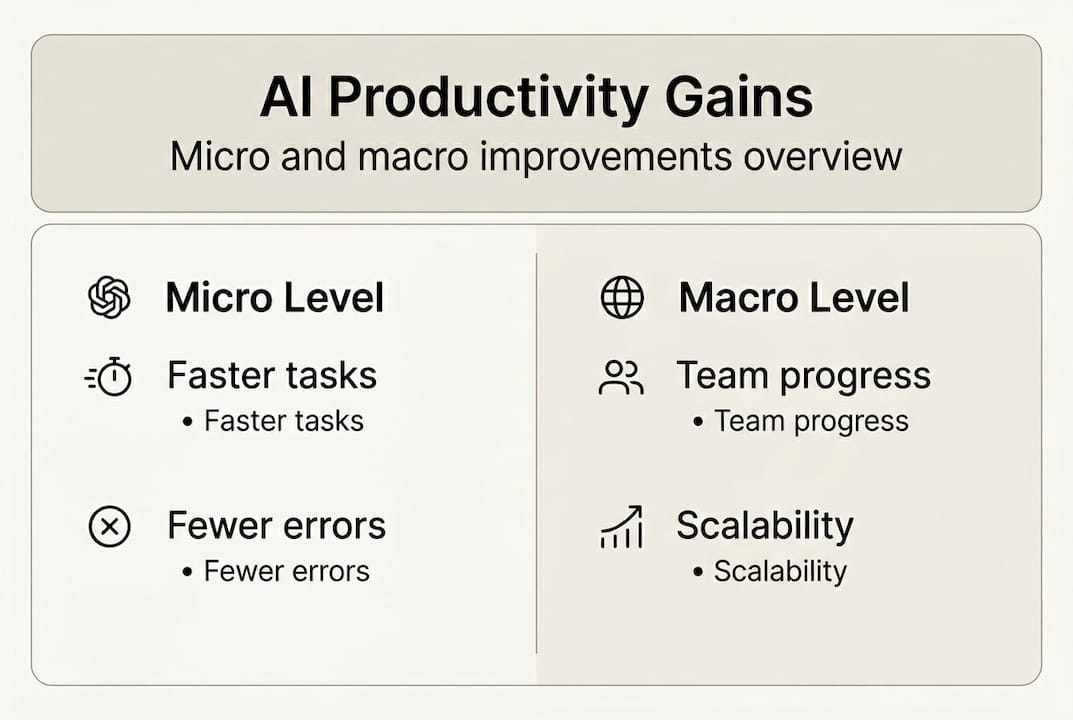
Research reveals a stark contrast between task-level improvements and organization-wide productivity growth. Micro-level gains appear consistently across studies. Developers using AI coding assistants complete tasks 55% faster. Customer service agents resolve tickets 14% quicker with AI suggestions. These discrete task improvements are measurable and immediate.
Macro-level productivity tells a different story. Total factor productivity measures how efficiently an economy transforms inputs into outputs across all sectors. Projections for AI's TFP impact range from less than 0.66% to 3.7% by 2075, reflecting deep uncertainty about long-term effects.
Several factors explain this lag:
- J-curve effects: Organizations initially experience productivity dips as workers learn new tools and processes get redesigned
- Complementary investments: AI requires changes to workflows, training programs, and organizational structures that take years to implement
- Measurement challenges: Existing productivity metrics struggle to capture quality improvements and innovation enabled by AI
- Adoption barriers: Uneven AI deployment across industries and companies means aggregate gains remain modest even as early adopters see significant benefits
The comparison below illustrates key differences between micro and macro productivity dynamics:
| Dimension | Micro-Level Gains | Macro-Level Gains |
|---|---|---|
| Timeframe | Immediate to 6 months | 5 to 20 years |
| Measurement | Direct task completion metrics | Total factor productivity, GDP per capita |
| Consistency | High across similar tasks | Highly variable, uncertain |
| Primary drivers | Tool capabilities, user skill | Organizational change, complementary investments |
| Evidence strength | Strong empirical support | Limited, mixed findings |
This gap matters for planning. Teams should expect quick wins on specific tasks while recognizing that transforming overall AI business productivity and collaboration requires sustained organizational commitment. The advantages of real-time AI compound over time as systems learn and processes mature.
Nuances in AI productivity: human-AI collaboration and context dependency
Productivity gains from AI vary dramatically based on who uses the tools and how. Research shows larger benefits for novices and low-skill workers compared to experts. A junior analyst might see 60% time savings using AI for data visualization, while a senior analyst gains only 20% because they already work efficiently.
Human-AI collaboration presents unexpected challenges. Teams working alongside AI often underperform compared to humans working independently, except in creative tasks where AI augments ideation and exploration. This happens because:
- Workers over-rely on AI suggestions without applying critical judgment
- AI introduces errors that humans fail to catch, assuming the system is always correct
- Collaboration overhead increases when workers must constantly evaluate AI outputs
- Task handoffs between human and AI create friction points that slow workflows
Meta-analyses examining aggregate productivity relationships find no robust correlation between AI adoption and overall productivity gains. The variability is too high. One company implements AI and sees 40% efficiency improvements. Another sees negligible gains or even decreases.
"Optimists highlight micro-benchmarks showing developer productivity gains of 50% or more. Skeptics emphasize that complementary investments in training and process redesign determine whether organizations capture these benefits at scale. Both perspectives reflect partial truths about AI's complex productivity dynamics."
Context dependency means generic AI deployment strategies fail. A tool that transforms customer service workflows might add minimal value in legal research. Understanding your specific use case, workforce capabilities, and task characteristics determines success.
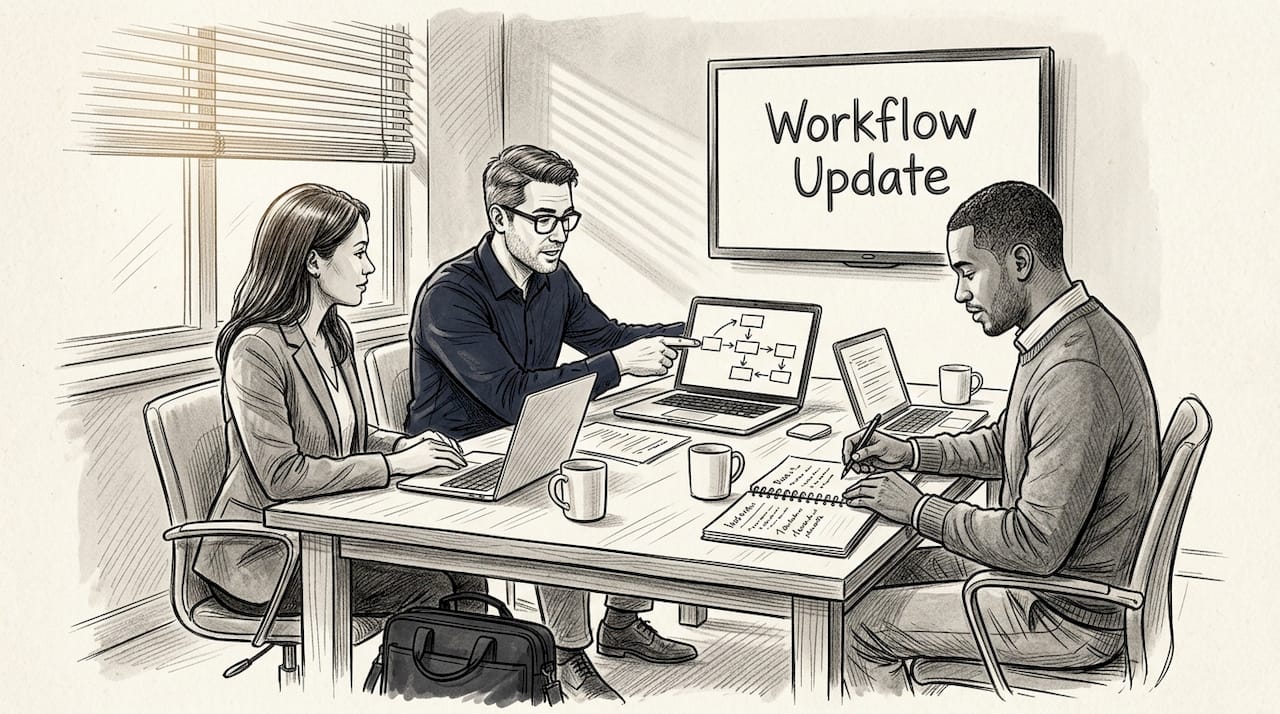
Pro Tip: Deploy AI first for tasks where novices or junior team members spend significant time. These scenarios deliver the highest productivity gains and free up senior staff for complex work that AI can't handle effectively. Track performance across skill levels to identify optimal use cases.
Following best AI productivity practices means matching tools to tasks and users rather than applying AI broadly and hoping for results.
Applying AI productivity insights to your team and workflows
Successful AI adoption requires deliberate strategy beyond purchasing tools. Start by identifying high-volume, repetitive cognitive tasks where automation delivers immediate value. Document current workflows, measure baseline performance, and establish clear metrics for improvement.
Key implementation steps include:
- Audit existing workflows to identify automation opportunities with highest ROI
- Pilot AI tools with small teams on specific tasks before organization-wide rollout
- Invest in training so workers understand AI capabilities and limitations
- Redesign processes around AI strengths rather than forcing AI into existing workflows
- Establish human oversight protocols to catch AI errors and maintain quality
- Measure continuously using both efficiency metrics and quality indicators
- Iterate based on feedback from frontline users who interact with AI daily
Manage expectations carefully. Immediate productivity gains on discrete tasks are likely. Organization-wide transformation takes years and requires complementary investments in change management, infrastructure, and skill development.
The table below contrasts common pitfalls with best practices:
| Pitfall | Best Practice |
|---|---|
| Deploying AI without process redesign | Redesign workflows around AI capabilities |
| Assuming all workers benefit equally | Target deployment based on skill levels and task types |
| Neglecting training and change management | Invest heavily in workforce preparation |
| Measuring only speed, ignoring quality | Track both efficiency and outcome quality |
| Expecting immediate macro productivity gains | Plan for multi-year transformation timeline |
Critical considerations for maximizing AI impact:
- Change management: Workers resist AI when they fear job loss or don't understand benefits
- Data quality: AI systems perform poorly with incomplete or inconsistent input data
- Integration complexity: Connecting AI tools to existing systems requires technical expertise
- Measurement challenges: Productivity improvements in knowledge work are harder to quantify than manufacturing output
- Skill gaps: Teams need new capabilities to work effectively alongside AI systems
Practical applications like AI content creation and AI text analysis demonstrate how specific use cases drive measurable gains when implemented thoughtfully with proper training and workflow integration.
Explore AI-powered productivity tools with Sofia🤖
Applying these AI productivity insights requires access to versatile, powerful AI capabilities integrated into your daily workflows. Sofia🤖 provides exactly that with over 60 state-of-the-art AI models from GPT-4o, Claude 4.0, and Gemini 2.5 in a single platform.
Whether you need document analysis, real-time collaboration, or custom AI profiles for specialized tasks, Sofia🤖 delivers the automation layers discussed throughout this guide. Natural voice chat, PDF processing, and team collaboration features let you implement the productivity strategies that match your specific context and workforce needs. Explore how Sofia🤖 can transform your team's cognitive workflows with enterprise-grade security and flexible deployment options.
Frequently asked questions
What is AI productivity?
AI productivity refers to efficiency gains from using AI systems to automate cognitive tasks like data processing, document review, and decision support. It encompasses both immediate task-level improvements and longer-term organizational transformation through workflow redesign and process optimization.
What tasks does AI productivity typically improve?
AI excels at high-volume, repetitive cognitive work including document analysis, data entry, email triage, report generation, and research synthesis. Tasks with clear patterns and structured inputs see the largest productivity gains, often 30 to 50% time reductions.
Why do macro productivity gains lag behind micro gains?
Organization-wide productivity improvements require complementary investments in training, process redesign, and infrastructure that take years to implement. J-curve effects mean initial productivity dips as workers learn new tools, and measurement challenges make aggregate gains harder to quantify than discrete task improvements.
How can human-AI teams avoid underperformance?
Focus AI collaboration on creative tasks where AI augments human ideation rather than replacing judgment. Establish clear protocols for when humans should override AI suggestions, invest in training so workers understand AI limitations, and maintain human oversight for quality control on all AI outputs.
What are best practices for adopting AI tools?
Start with pilot programs on high-value tasks, invest heavily in workforce training and change management, redesign processes around AI strengths rather than forcing AI into existing workflows, measure both efficiency and quality outcomes, and plan for multi-year transformation timelines rather than expecting immediate organization-wide gains.
Is AI productivity the same across all industries?
No, productivity gains vary significantly by industry, task type, and workforce skill levels. Knowledge work sectors like professional services see larger benefits than industries with less cognitive task automation potential. Context-specific deployment strategies based on your particular use cases and team capabilities determine actual productivity outcomes.